Screenshots at the speed of AI
Turn your app into App Store and Google Play screenshots people want to tap.
Free during the beta. Sign in with Google or GitHub.
One sentence. A whole deck.
Describe your app once. Screenova writes the story, picks the palette and frames every screen, then hands you a deck you can edit down to the pixel.
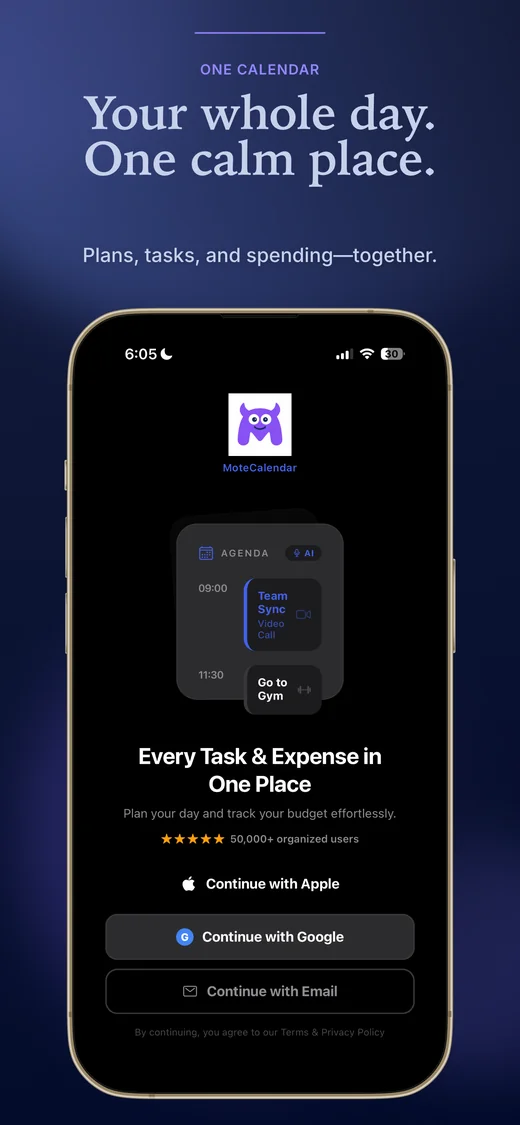
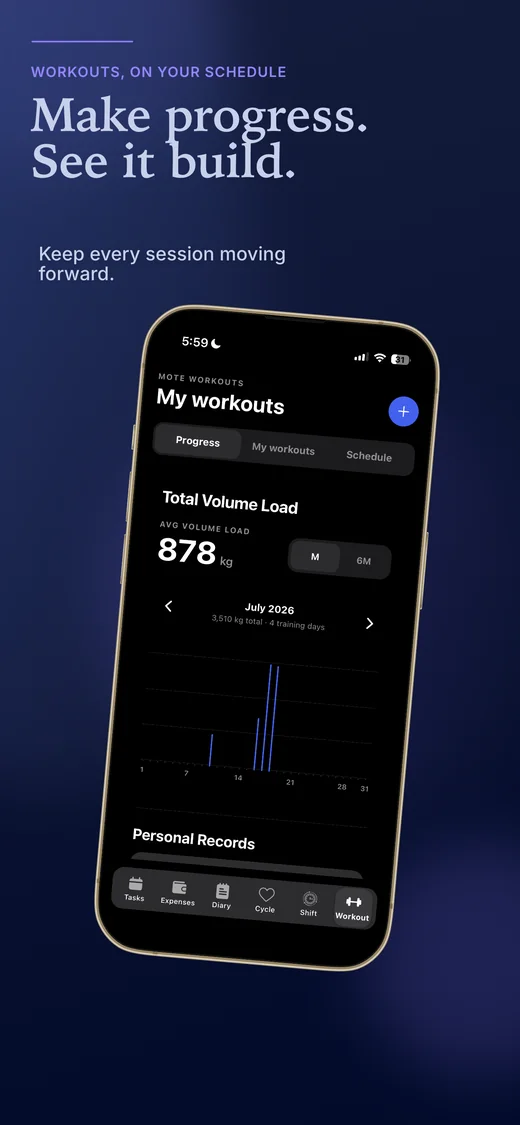
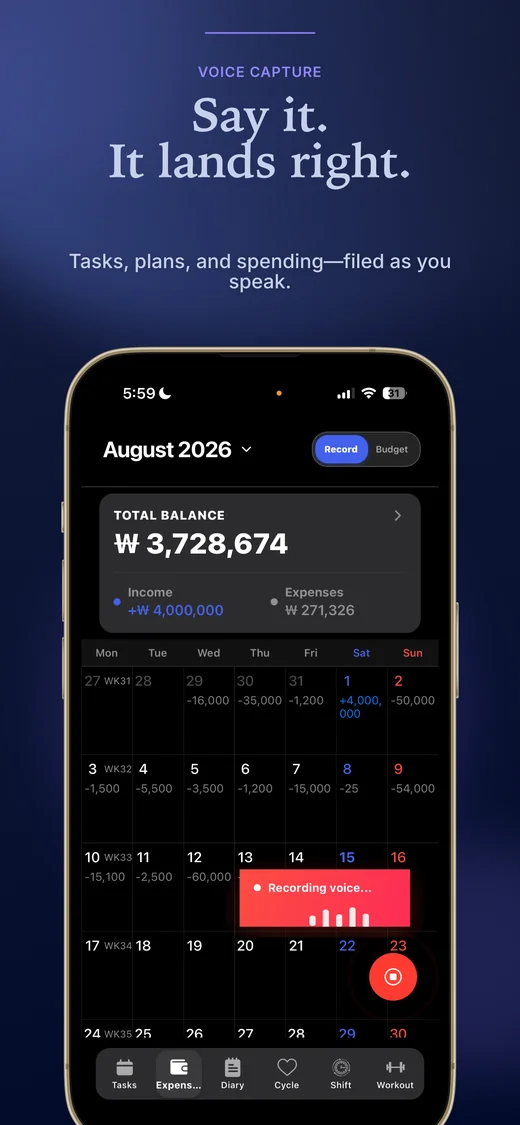
Get started with the gallery
Describe it, get a deck
Tell Screenova about your app. It drafts headlines, layouts and a palette for every screen.
Match any reference
Add a screenshot you love as inspiration and redesign a screen in that style, with your own content.
Seven languages
English, German, Spanish, French, Chinese, Japanese and Korean, translated in place on every screen.
Exact store sizes
iPhone, iPad, Android phone and tablet, plus the Play feature graphic, exported upload-ready.
Edit everything
Headlines, device frames, backgrounds and shapes stay editable. AI gives you a start, never a lock-in.
Share to the gallery
Publish a design for others to reuse as a template. Your screenshots stay private.
Your next release deserves better screenshots
Describe your app, refine every screen and export for both stores. No design skills needed.
Frequently asked questions
Yes. Sign in to create your private workspace, save projects, and return to your designs on another device.
No. Screenova handles the server-side AI connection. Daily generation limits apply. Manual editing and exports do not require AI.
Generated shapes, gradients, and text remain editable canvas elements. Image-generated artwork is a raster backdrop: you can replace it, remove it, or change its opacity, but not edit individual objects inside that image.
iPhone, iPad, Android phone, Android tablet (7” and 10”, portrait and landscape), and the 1024×500 Play Store feature graphic — 6 device targets. Content locales: English, German, Spanish, French, Chinese, Japanese, and Korean.
Not yet — exports are upload-ready, correctly-sized bundles organized by device and locale, but you upload them yourself through App Store Connect or Play Console. Direct publishing isn’t built.
Not yet. Today, Screenova drafts multiple directions and you run them as Product Page Optimization treatments in App Store Connect yourself. A continuous loop — Screenova reading back which treatments won and drafting the next round automatically — is on the roadmap, not shipped.
Start with an editable template or ask AI to draft a deck from your actual screenshots. Refine text, layouts, and device framing in the editor, including connected compositions that cross screen boundaries.
Project designs and images are stored privately under your account. Design-chat history stays in your browser, and exported PNG/ZIP files download to your device.